A focused classroom for curious students.
Notes, interactive simulations and grades — all in one place. Sign in with the credentials your teacher gave you.
Vidya Kendra
The focused Class 11 learning hub for PM SHRI Kendriya Vidyalaya Golaghat — Physics, Chemistry and Mathematics in one place.
72-second narrated tour · open full guide
Admin
Create accounts, manage subjects.
Teacher
Upload notes, embed sims, post grades.
Student
Study, explore simulations, track scores.
Features that actually move your marks
Vidya Kendra now goes beyond notes — an AI study analyst, a mistake notebook that never forgets, and AI-graded answer sheets.
AI Study Hours Analyst
Start a live study timer, log sessions and question practice — MistakeBuddy links them automatically and writes a daily & weekly AI report on how effectively you studied.
Try Study hoursAdaptive question practice
Daily question targets rise with your accuracy. Subject-wise IST graphs, streaks and chapter scores keep your JEE / NEET prep honest.
See practiceMistake notebook
Snap a photo of every mistake, crop it, tag the chapter — the AI finds your weak areas and schedules spaced revision until each mistake is mastered.
Open MistakeBuddyE-Valuate answer sheets
Upload a handwritten answer sheet photo — AI reads it, grades it against the teacher's rubric and returns per-question feedback.
Sign in to evaluateQuizzes & leaderboards
IST-scheduled quizzes with integer, multiple-correct and photo questions, mark-for-review palette, instant scores and class percentile.
Take a quizNotices & contributions
Subject, class and site-wide notices with images — plus student file uploads that go live once teachers approve them.
Check noticesWatch, then do it in two minutes
Start with the narrated video tour, then follow the step-by-step for whatever you want to do.
Vidya Kendra
The focused Class 11 learning hub for PM SHRI Kendriya Vidyalaya Golaghat — Physics, Chemistry and Mathematics in one place.
72-second narrated tour · open the full guide
Students
- 1Sign in with the ID your teacher gave you — set a new password on first login.
- 2Open a subject, pick a chapter, and read notes or run its simulations.
- 3Take scheduled quizzes from the Quizzes tab; review scores and percentile after submitting.
- 4Join MistakeBuddy free — photograph every mistake and let the AI plan your revision.
- 5Start the Study hours timer whenever you sit down; stop it and answer two quick questions.
Teachers
- 1Build chapters and sub-folders under your subject, then upload notes and simulations.
- 2Create quizzes with MCQ, integer and photo questions — schedule them in IST.
- 3Review student-uploaded files; they go live once half the subject teachers approve.
- 4Grade handwritten answer sheets with E-Valuate and return AI-assisted feedback.
- 5Post notices for your subject or class from the Notices page.
Admins
- 1Bulk-import students from CSV — everyone signs in and resets their password on first login.
- 2Manage subjects, teachers and storage from the admin panel.
- 3Publish site-wide notices with images from Admin → Notices.
- 4Oversee MistakeBuddy users and announcements from Admin → MistakeBuddy.
- 5Handle moderation and suspensions from the Moderation dashboard.
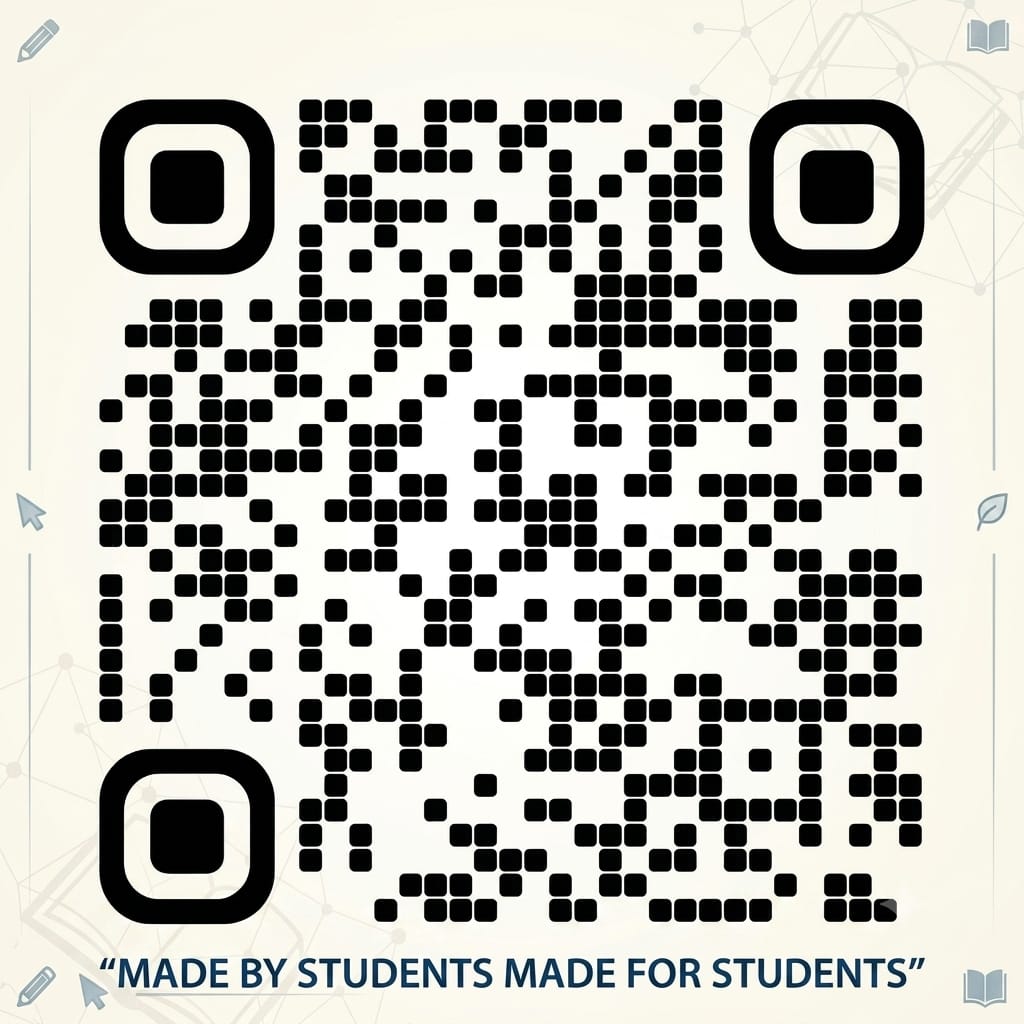
Take Vidya Kendra anywhere.
Scan the QR code to download our app.
Don't worry — our app will be available on the Play Store and App Store shortly.